
U.S. Trademarks
GameCatalog.org includes information on around 90 U.S. game trademarks.
U.S. trademarks are categorized using two classification schemes: U.S. and international. Word marks for games are generally classified under the following classes:
- U.S. Class 22: Games, toys, and sporting goods
- International Class 28: Games, toys, and playthings; video game apparatus; gymnastic and sporting articles; and decorations for Christmas trees
A registered trademark is denoted by any of the following markings, or similar:
- Registered Trademark
- Reg. U.S. Pat. Off.
- Reg. U.S. Pat. & TM Off.
- ®
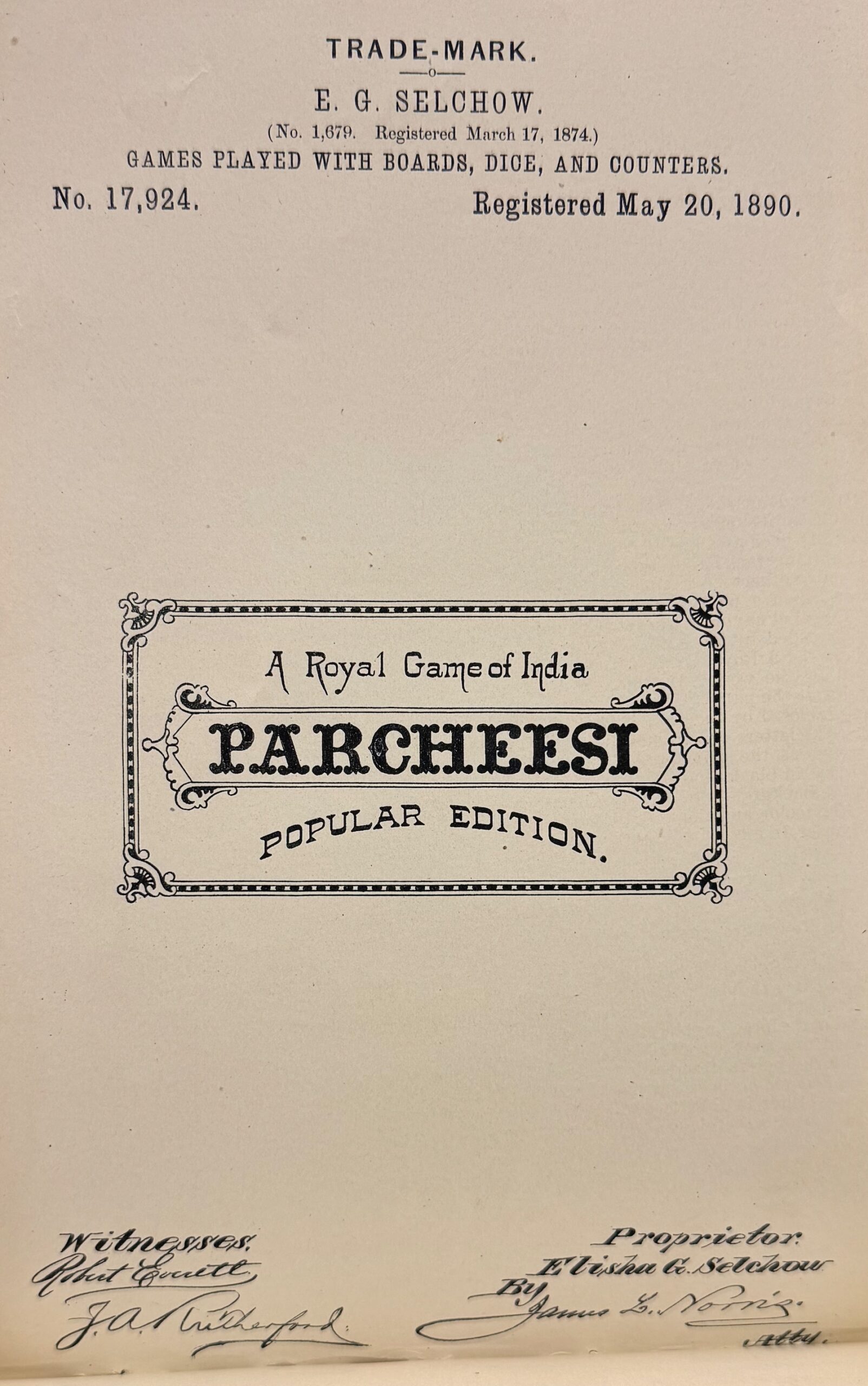
Some early games may be marked “TRADE MARK” or “TRADE-MARK” and may be either registered or unregistered trademarks.
The use of the ™ symbol denotes an unregistered trademark, which means it was not submitted to nor accepted by the U.S. Patent and Trademark Office.
The use of the ℠ symbol denotes an unregistered service mark, which means it was not submitted to nor accepted by the U.S. Patent and Trademark Office.
U.S. Trademark Resources • Online
Official Gazettes • Online
The Official Gazette of the U.S. Patent Office was published in printed volumes from 1872 to 1971, containing abridged descriptions and illustrations from both patents and trademark registrations.
- HathiTrust has nearly all issues from 1872 to 1871 online
The separate Official Gazette of the United States Patent and Trademark Office: Trademarks was printed from 1971 to 1975.
- HathiTrust has issues from 1971 to 1975 online
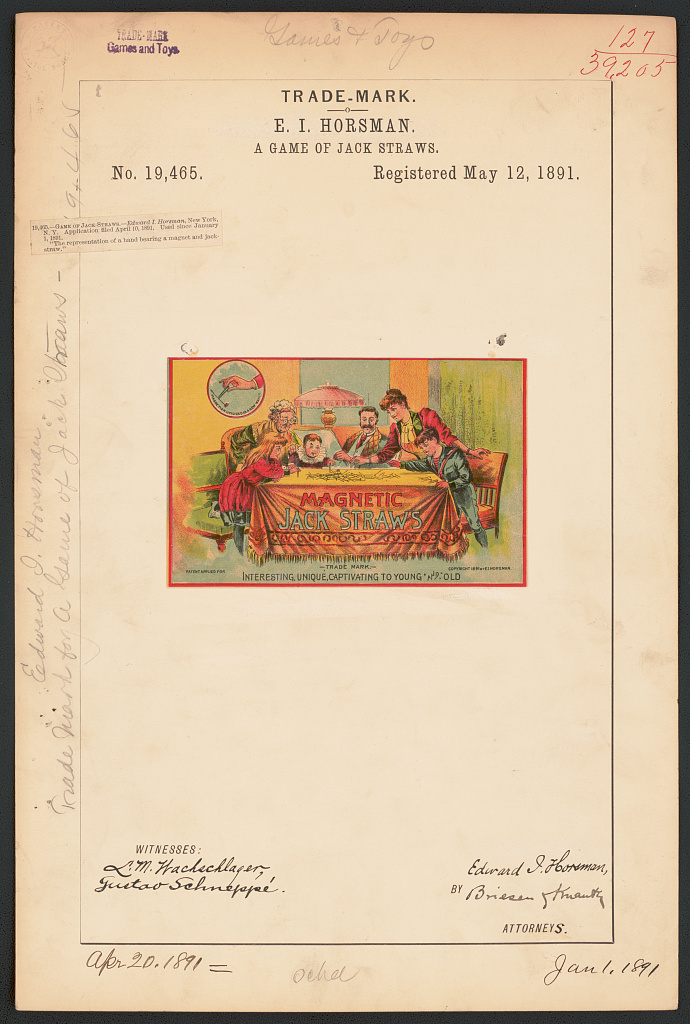
Historical Trademarks at the Library of Congress • Online
The Library of Congress has around 82,500 images of trademark registrations from 1869 to 1911 available online.
- Go to the Library of Congress’s trademarks page
- In their search box (which searches through all prints and photographs online, not just trademarks), include “LC-DIG-trmk” as part of your search to limit the search to trademarks
- Then add your specific terms to the search, e.g., a game title, “game” or part of a company/person name such as “Horsman”
Search for Trademarks • Basic Search
The U.S. Patent and Trademark Office introduced a new trademark search function in 2023, replacing its quirky and dated TESS and TSDR searches. TESS has been retired, while TSDR remains available and is linked with the new search function.
Go to the USPTO’s trademark search page. Read the help page for trademark search. While the help page says “Our database includes every mark that’s been registered or applied for”, from my experience it does not include some, including some from the 19th century.
- The default search is a “General Search” which will search all available records, not just the term trademarked; this search also looks for inexact matches.
- To search for just a term trademarked, click on the pull-down menu headed by “General Search”, and select “Wordmark” instead.
- To search for a company or person name, click on the pull-down menu with “General Search”, and select “Owner” instead.
- You can then refine the search further by adding a secondary term, e.g., “game” or a portion of a game title, in the “Refine search by goods or services” box.
- Apparently, wildcards don’t work in searches and putting a sequence of words in double-quotes does not search for the exact phrase.
Search for Trademarks • Advanced Search
For more complex searches, select “Field Tag and Search Builder” from the menu with “General Search” at top. Then open the “Search builder” below that menu.
- The first box (“Type to select field tag”) will show a list of available fields to search when you click in the box.
- The second box (“Search text”) is where the text you want to search for in the field selected.
- The general procedure:
- Click on “Build” to add the search component to the search box.
- Repeat the above as desired.
- Click on the Search magnifying glass icon to perform the search.
Example 1 • search for a game trademark “Rich Uncle”
- Select field “GS” (Goods & Services) and search text “game”, then click on “Build”
- Select field “WD” (word mark) and search text “Rich Uncle”, then click on “Build”
- Click on the search magnifying glass
Example 2 • search for trademarks in international class 28 (Toys, Games, and Sporting Goods) with a registration date from 1900 and 1940)
- Select field “IC” (International Class) and search text “28” (full list of classes), select the expanded text that pops up, then click on “Build”
- Select field “RD” (Registration Date) and search text “1900-01-01 – 1940-12-31”, then click on “Build”
- Click on the search magnifying glass icon.
Example 3: search for board game trademarks from registrants living in Springfield.
- Select field “CY” (Owner City) and search text “Springfield”, then click on “Build”
- Select field “GS” and search text “board game”, then click on “Build”
- Click on the search magnifying glass icon
TSDR Search Engine
You can also search TSDR directly, though it only accepts the U.S. trademark serial number or registration number. Often researchers don’t know these numbers, and hence the regular search engine should be used. Note that older serial numbers (printed on the digitized trademark page shown by TSDR) have had digits prepended to them, or entirely changed, in current databases. For example, the 1935 Monopoly trademark now has serial number 71363230 whereas originally it was 363230.
Commercial Search Engines
- Justia.com has an online database of U.S. trademarks and permits browsing by several schemes including category (e.g. “Toys and Sporting Goods”, which includes games) and date (back to 1823). Like the USPTO database, the Justia one does not include some, particularly earlier, trademarks. However, it does not have a search engine for U.S. trademarks. However, you can use a Google search to search the Justia site for a particular trademark term, for example: “scrabble trademark site:trademarks.justia.com”.
- Trademarkia.com has a search engine that is easier to use to search for trademark words, but doesn’t provide advanced searches for free. Also, some trademarks that can be found at the USPTO site cannot be found on Trademarkia.com
- Marcaria.com has a search engine that is easier to use to search for trademark words, For search results with U.S. trademarks, Marcaria links to the TSDR page where details can be examined.
U.S. Trademark Resources • Offline
The U.S. Patent and Trademark Office’s Public Reading Room in Alexandria, Virginia has printed volumes of trademark registrations, usually two pages each, with the mark illustration on one page and the associated description on the second. These are not known yet to have been digitized online.
U.K. Trademark Resources • Online
- Great Britain’s trademark search page
U.K. Trademark Resources • Offline
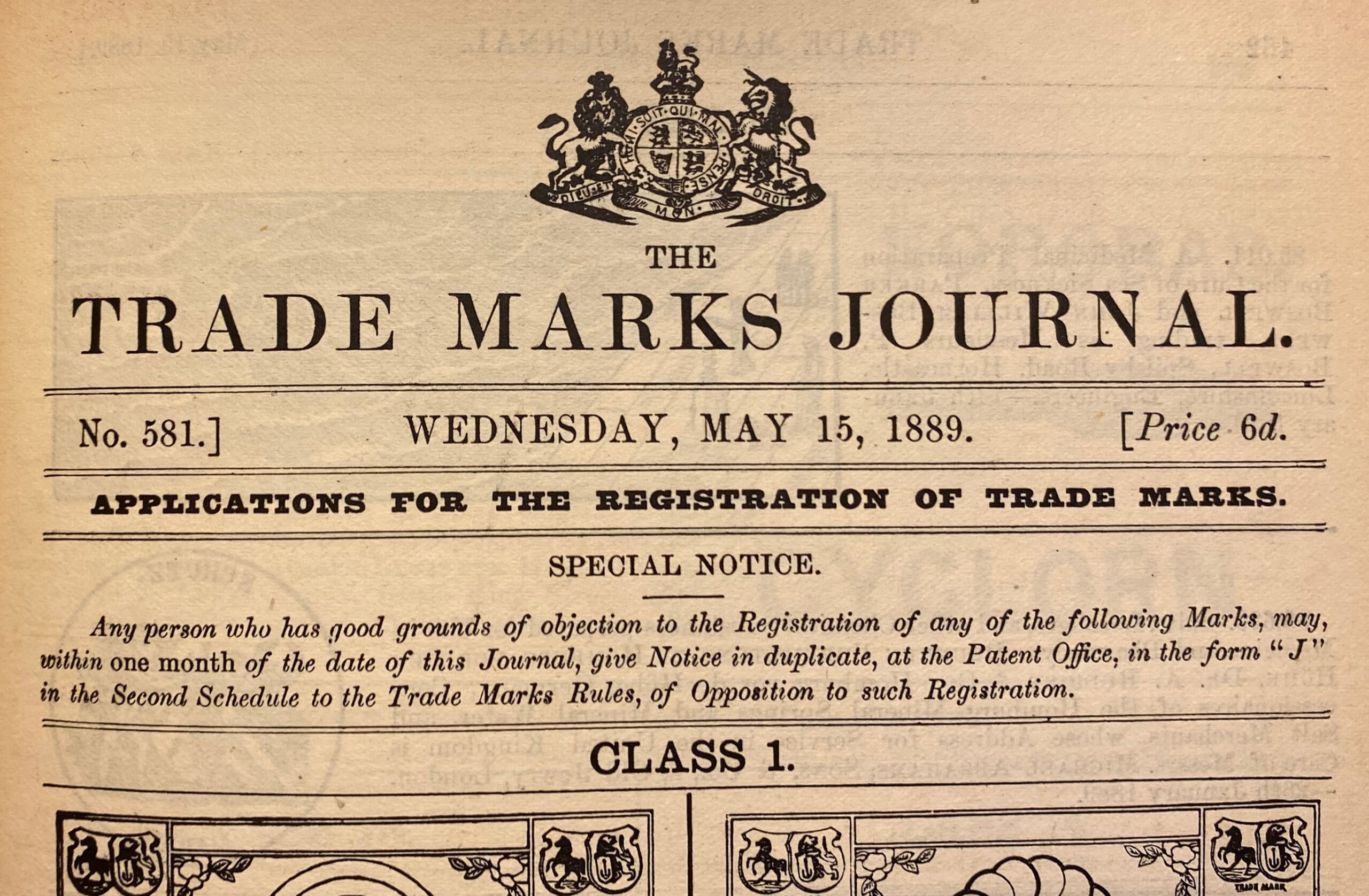
- The Trade Marks Journal • The official printed record of British trademarks, first published in 1876 • not known to be digitized online (available in libraries with copies)
- Research guide for searching for trademarks in printed materials from the British National Archives
Worldwide Trademark Resources • Online
- Marcaria.com has a search engine that can search for trademarks in a variety of countries.
- The World Intellectual Property Office at WIPO.int has a search engine that can search for trademarks in a variety of countries.